

How To
What are video editing presets? Premiere Pro, DaVinci Resolve explained

If you’re reading this blog post, you’ve probably heard us talking about presets on my main channel. But if you’re not an editing pro, you might be wondering: what even is a preset?
Watch the above video for all the information here in video form – or keep reading to find out more!
What is a preset?
A preset is a load of saved settings that are all stored in one file. In other words, someone has customised a whole bunch of keyframes and then saved them as a preset, which can then be used in other projects.
For example, let’s say you create a slide-in by using the Transform effect in Premiere Pro, and now you want to save that slide-in so that you can use it again in the future.
Save that as a preset by simply right-clicking and selecting “Save As Preset” in Premiere, and now you have that slide-in saved. So, you can head into the Effects tab and find my preset with those same Transform settings saved for the future.
Now you can just drag and drop that onto any clip in my project, and it’s the exact same slide you saved earlier.
Check out our Ultimate Mega Bundle for Premiere Pro and DaVinci Resolve!
This saves me from having to remake that slide-in every time you want that same effect. And it’s the same in DaVinci Resolve, just they’re made in the Fusion page, but can be access in the Edit page.
Why buy presets?
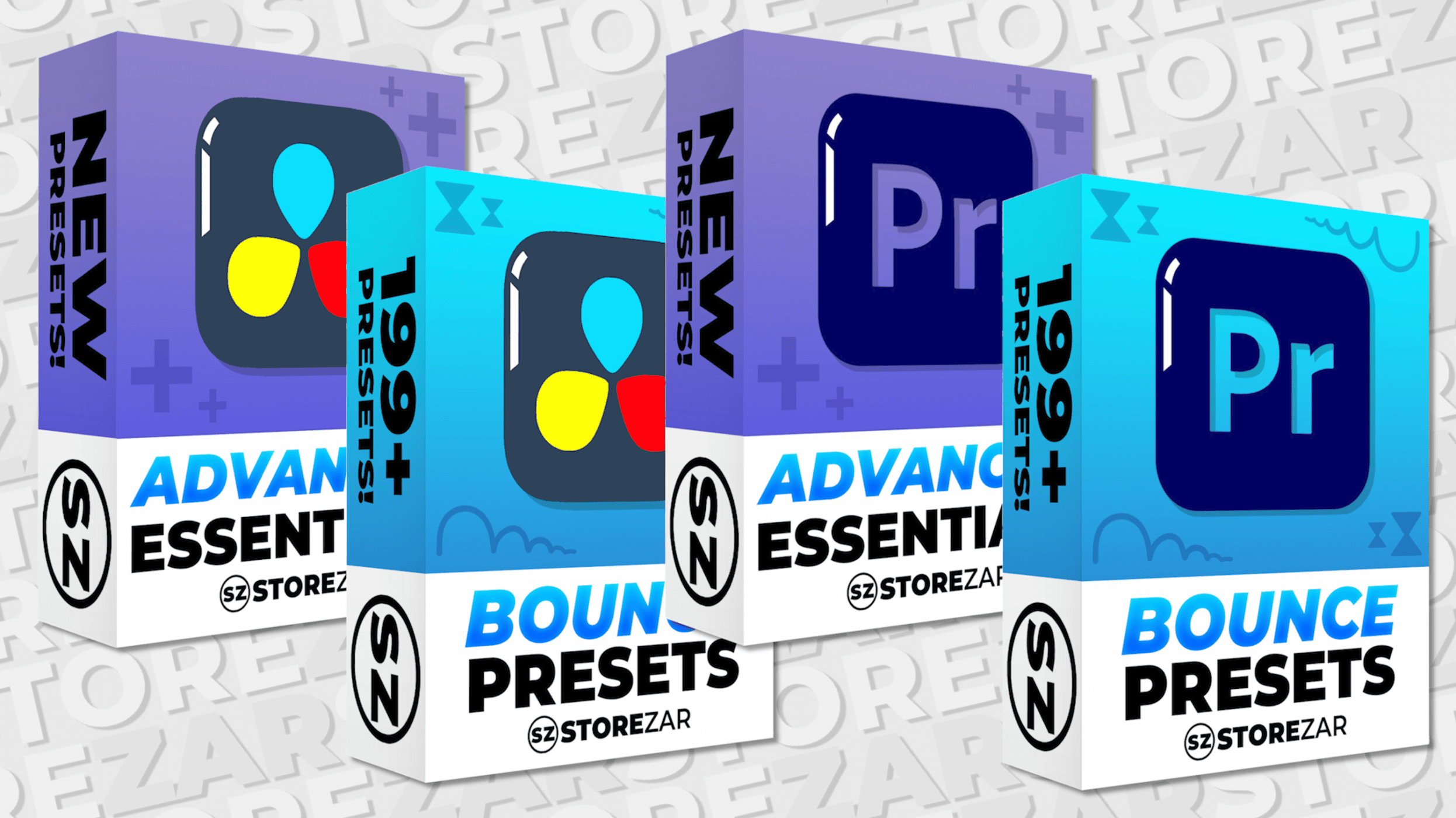
When you buy a pack of presets – like our Essentials pack – you’re buying a whole load of these configurations, meaning you don’t have to spend hours building the effects yourself, which allows you to get on with making your videos.
All our presets have been made by our team and we’ve spent hours customising files so that they look super smooth and are YouTube-ready.
It’s worth noting that, unlike sound effects and some LUTS, you cannot use presets made for one software in another software, as presets work differently in each one. However, if you buy the Premiere or DaVinci Resolve versions, you will end up getting the same results in your videos, no matter which editing software you use.
Buying presets really can save you loads of time – and there are hundreds available right now on our presets page. Happy editing!
Share this: