Hover me

The Transitions Preset Pack for Premiere Pro

$24.99

The Transitions Pack will make your videos stand out on YouTube. Featuring over 100 transition presets, including multiple slides, rotations, glow, and glitch transitions.

Details

New & Updated: Now includes an additional 20 presets, made using Adobe’s Film Impact tools.

The Transitions Preset Pack for Premiere Pro includes over 130 professional transition presets. Our team employs these presets on almost every project. They will save you an inordinate amount of time when editing your videos and should be used by every aspiring YouTube editor. 

The transitions are broken into eight sub-folders: Shake, Rotation, Slide, Turbulent, Glow, Glitch, Windows Movie Maker, and Misc/Random. This preset pack was handmade by our founder Finzar.

These presets have been updated to work with the latest version of Premiere Pro. If you are using a version of Premiere Pro older than 2022 you may encounter some issues with GPU-accelerated effects. 

Thank you for purchasing our presets and supporting our shop. Happy editing!

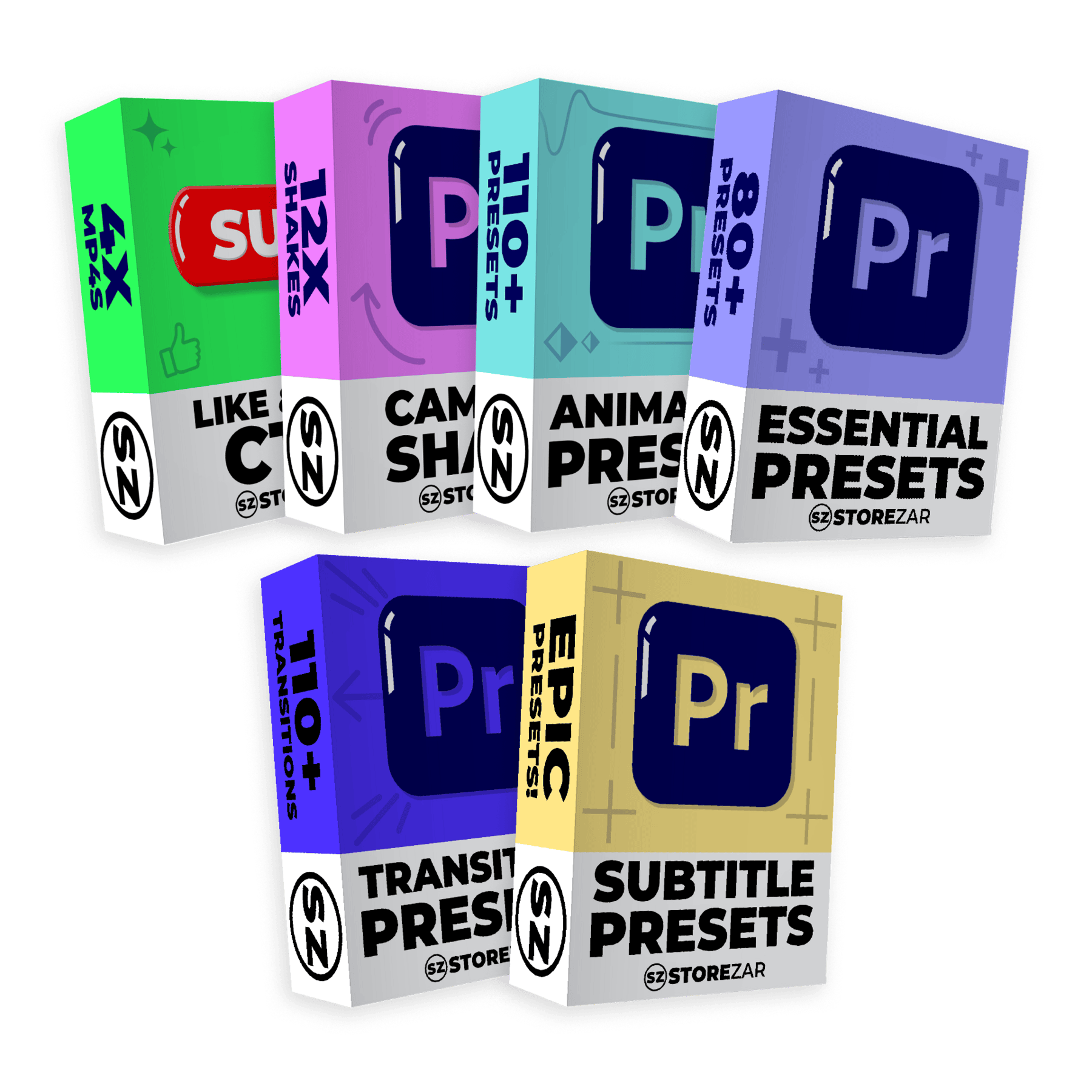
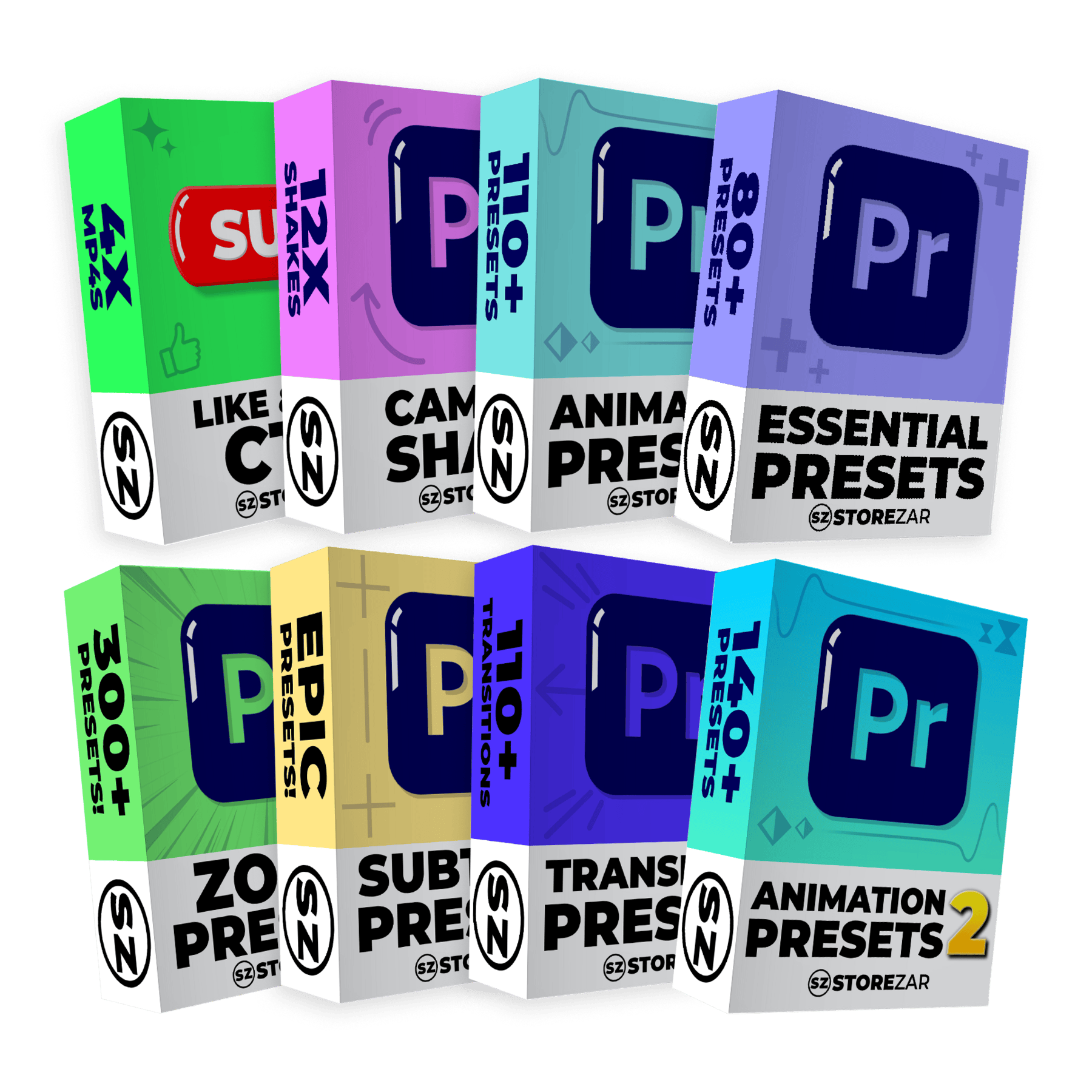
Also included in: The Ultimate Bundle PLUS and The Ultimate Bundle MEGA.

What’s inside?

Over 130 transition presets, broken into eight groups. They are:

Shake: 14 shake transitions that will have your footage moving along while shaking.

Rotation: Eight rotational transitions split into four clockwise and four anti-clockwise presets.

Simple Slide: 10 slides, including a zoom out and zoom in transition.

Turbulent: 24 goopy turbulent transitions split into two groups: one where the transitions have blur and one where they do not.

Glow: 12 glow transitions that will have the screen pop to white during the transition.

Glitch: Over 40 glitch transitions split into multiple groups that require a varied amount of GPU acceleration.

Window Movie Maker: Eight recreations of classic, super simple Window Movie Maker transitions. 

Misc/Random: Eight transitions split into two groups: four offset transitions and four big roll transitions.

New! Film Impact: 20 presets made using Adobe’s new Film Impact tools.

Video Placeholder

How to install:

– Download your presets from your confirmation email and unzip your .ZIP file. Make sure you save your .PRFPSET file in a safe location on your computer.

– Open Premiere Pro and head to the effects tab. If you can’t see the effects tab, click ‘Window’, then enable ‘Effects’.

– In the effects tab, right-click on the ‘Presets’ section. You will see the option to ‘Import Presets’.

– Click ‘Import Presets’ and find the location where you saved your .PRFPSET presets.

– Double click the .PRFPSET file. Your import is now complete. You should now see your presets in the preset folder in Premiere Pro.

Additional information

Details

New & Updated: Now includes an additional 20 presets, made using Adobe’s Film Impact tools.

The Transitions Preset Pack for Premiere Pro includes over 130 professional transition presets. Our team employs these presets on almost every project. They will save you an inordinate amount of time when editing your videos and should be used by every aspiring YouTube editor. 

The transitions are broken into eight sub-folders: Shake, Rotation, Slide, Turbulent, Glow, Glitch, Windows Movie Maker, and Misc/Random. This preset pack was handmade by our founder Finzar.

These presets have been updated to work with the latest version of Premiere Pro. If you are using a version of Premiere Pro older than 2022 you may encounter some issues with GPU-accelerated effects. 

Thank you for purchasing our presets and supporting our shop. Happy editing!

Also included in: The Ultimate Bundle PLUS and The Ultimate Bundle MEGA.