

Advanced

Hover me

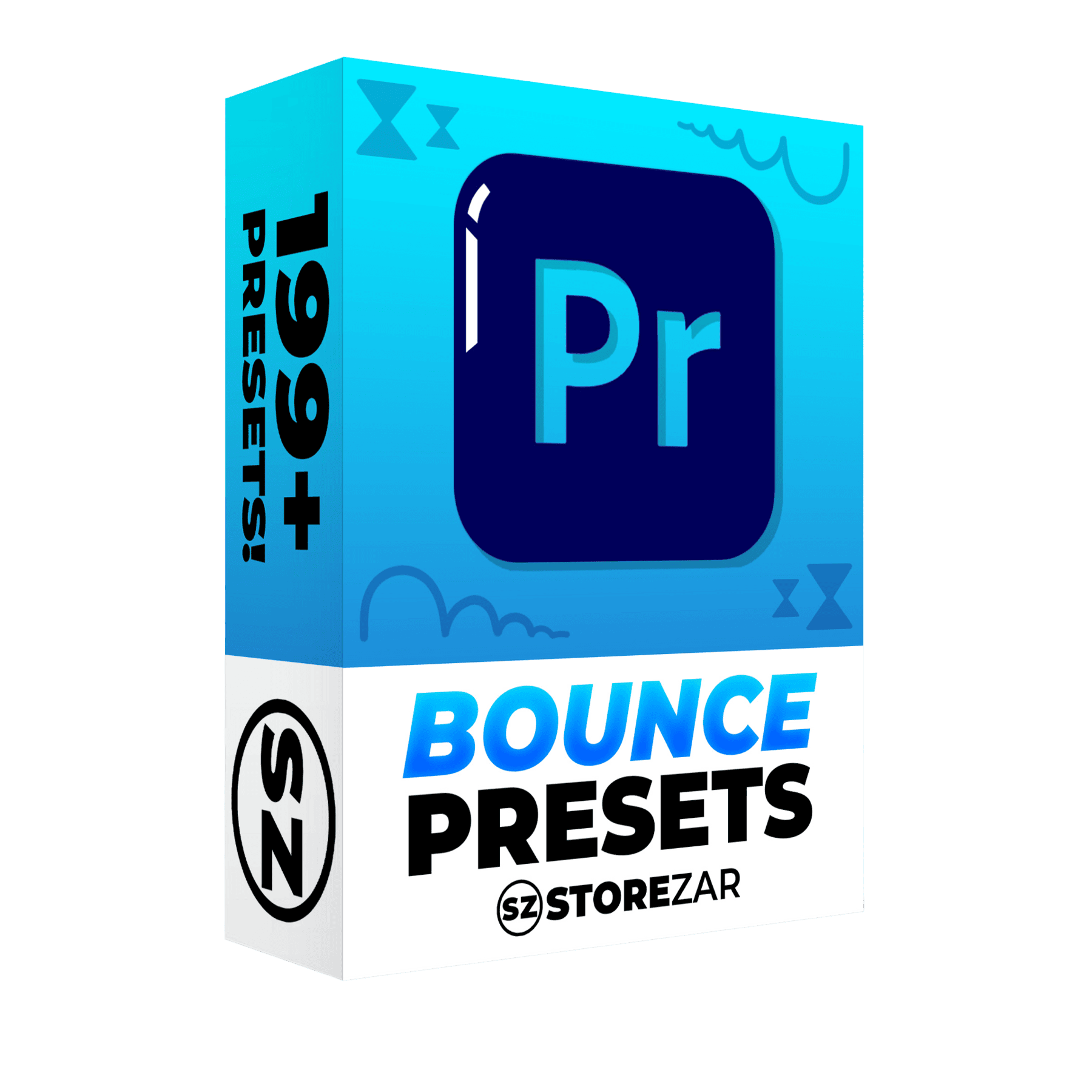
The Bounce Pack for Premiere Pro

$24.99

Bring After Effects-level animations to your Premiere Pro projects with a preset pack that will have your characters bouncing around the screen.

  • Professional effects. Just drag & drop.
  • Hand crafted by Finzar. No A.I.
  • Use in any project. Even your clients.

Watch the demo now

Our bounce presets have been designed to make your PNGs and JPEGs smoothly bounce around the screen.

This sort of animation can take hours and hours to get right, and these presets will help you save an immeasurable amount of time while keeping your videos looking clean and professional.

This pack is intended for intermediate to advanced editors, as these presets feature many keyframes, but beginners looking for easy drag-and-drop effects will feel right at home.

What’s included?

The Bounce Pack includes over 200 presets split into five major folders.

Bounce Slides: Includes 160 slide animations split into four different directions (up, down, left, and right). For each direction, you will find slides that have complex bounces, wobble bounces, rotational bounces, and a combination of all of those.

Bounce Pop Ins: 21 different pop-ins, ranging from a tiny bounce to a huge bounce.

Bounce Outs: Eight slide outs, so that your characters can gracefully leave the screen.

Bounce Misc: Five miscellaneous bounces which have a bit more weight to them than the other slides.

@FalknerEditor

Whether you’re a beginner needing direction, or someone with experience that wants to enhance their work, Storezar’s courses and presets are the absolute best bang for your buck. HIGHLY recommended for everyone!

@UngliYT

I’ve literally had people compliment my editing and I exclusively used your tutorials and bought your packs to help me. It was a huge help. From the bottom of my heart, than you for your service.

@Wynnsanity

I’ve been using Premiere for years and still learned so much

@infamousram8657

I love the presets, they’ve made my editing smoother and quicker, and I feel more of my creativity being put on screen how I pictured it

@foopums5585

This is absolutely incredible. Taught me all the things I actually WANTED to know about Premiere Pro

@chaneganggames

You literally make editing not as scary and complicated as I always imagine it. Thank you!

Using Our Presets Is Simple!

Our Premiere Pro presets are incredibly easy to install:

  • Download your presets and unzip your .ZIP file so you see a .PRFPSET file
  • Open Premiere Pro and head to the effects tab
  • Right-click the Presets section, click Import Presets
  • Select your .PRFPSET file. Your presets are now installed!
The Bounce Pack for Premiere Pro

Get The Bounce Pack for Premiere Pro

Bring After Effects-level animations to your Premiere Pro projects with a preset pack that will have your characters bouncing around the screen.

$24.99

Instant download after purchase.

Additional information

Our bounce presets have been designed to make your PNGs and JPEGs smoothly bounce around the screen.

This sort of animation can take hours and hours to get right, and these presets will help you save an immeasurable amount of time while keeping your videos looking clean and professional.

This pack is intended for intermediate to advanced editors, as these presets feature many keyframes, but beginners looking for easy drag-and-drop effects will feel right at home.